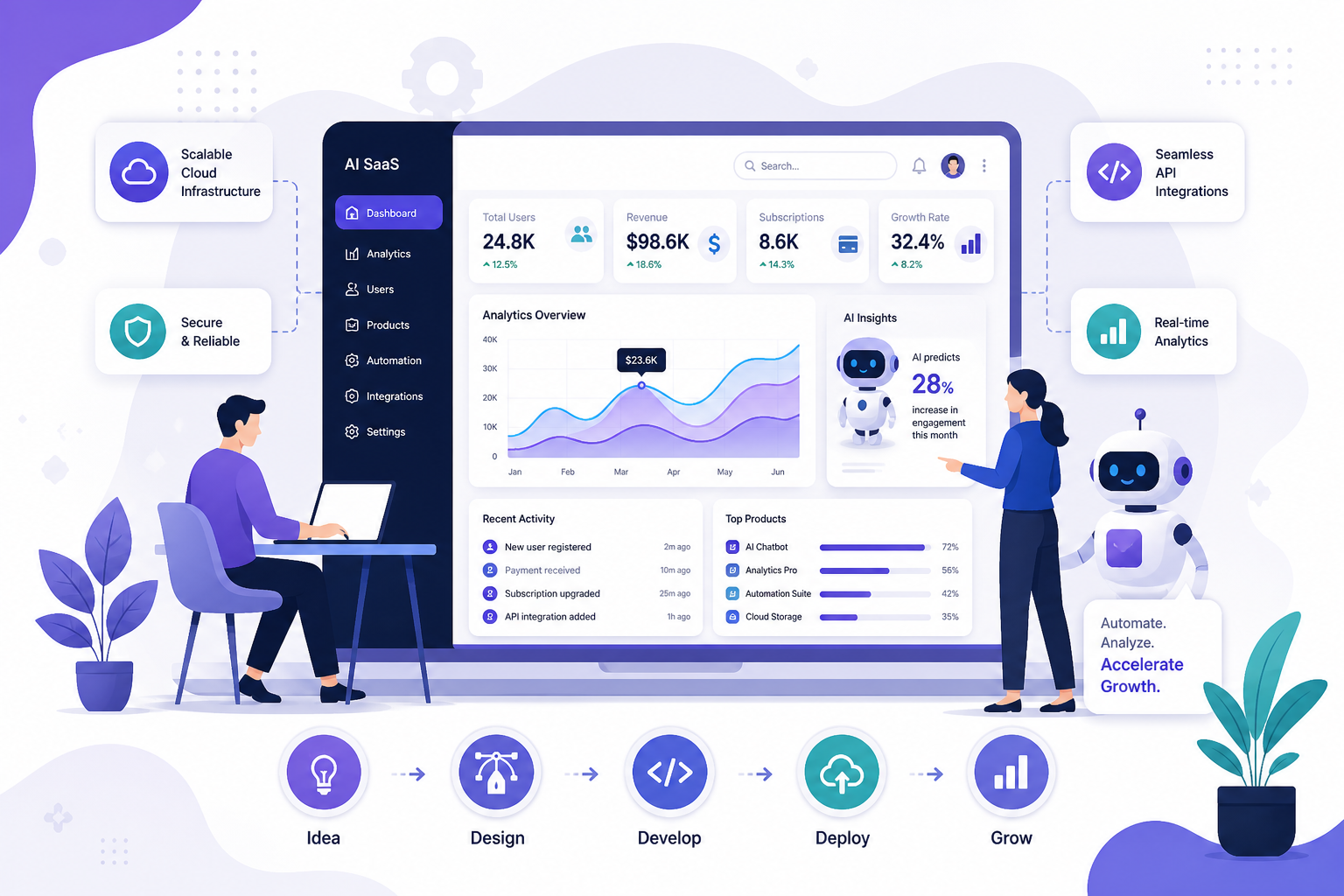


The best tech stack for AI app development in 2026 combines Python for AI/ML logic, TensorFlow or PyTorch for model training, React Native or Flutter for cross-platform mobile frontends, and AWS, Google Cloud, or Azure for AI infrastructure. For generative AI features, OpenAI GPT-4 or Google Gemini APIs with LangChain for orchestration are the industry standard. Choose your stack based on your app's AI complexity, team skills, and scalability requirements.
AI apps are growing fast in 2026. But most businesses still struggle with one key decision:
Which technologies should you use to build an AI app?
Choosing the wrong stack can increase cost, slow performance, and delay your launch.
That’s why understanding the right tools and architecture is critical.
If you're planning to build a custom AI solution, it's important to start with a strong foundation. Learn how our AI App Development Services help businesses design and build scalable, high-performance applications using the right tech stack.
This guide solves that.
You’ll learn:
- The best AI technologies in 2026
- The complete stack (with real use cases)
- What actually works in production
- Mistakes to avoid (based on real experience)
Best AI app development stack in 2026:
- Frontend → Next.js / React
- Backend → Python (FastAPI)
- AI Layer → LLM APIs (start) → Custom models (scale)
- Database → PostgreSQL + Vector DB
- Vector DB → Pinecone / Weaviate / FAISS
- Cloud → AWS / Google Cloud
- DevOps → Docker + Kubernetes
👉 Best strategy: Start simple → validate → scale
The Real Problem
Most teams:
- Choose tools based on hype
- Build complex systems too early
- Ignore performance bottlenecks
Result:
- Slow AI responses
- High infrastructure cost
- Poor user experience
Real-World Insight
In most AI apps, speed matters more than model accuracy.
Users prefer:
- Fast response (1–2 seconds)
- Over perfect answers (5–10 seconds)
Complete AI App Stack
Every AI app has 6 layers:
- Frontend → what users see
- Backend → handles logic
- AI layer → processes intelligence
- Database → stores data
- Infrastructure → scaling
- DevOps → deployment
1. Frontend Technologies (User Layer)
Your frontend decides if users stay or leave.
Best Options
Next.js (Top Choice)
- Fast loading
- SEO-friendly
- Ideal for AI SaaS
React.js
- Flexible
- Great for dashboards
Flutter (Mobile Apps)
- Single codebase
- Faster launch
Real Case Insight
In one AI SaaS dashboard project:
- Switching from a heavy UI to a simple Next.js interface
- Reduced bounce rate by 32%
👉 Lesson:
Simplicity improves engagement more than design complexity
Backend Technologies (Core Engine)
Backend controls:
- Speed
- Data flow
- AI communication
Best Choices
Python (FastAPI)
- Built for AI
- Async support → faster APIs
Node.js
- Best for real-time apps
- Handles many users
Real Trade-Off

Real Case Insight
In a chatbot system:
- Switching from Flask → FastAPI
- Reduced API response time by ~25%
3. AI Layer (The Brain of Your App)
This is where intelligence lives.
Option 1: LLM APIs
Use this if:
- You want to launch fast
- You don’t have ML engineers
Benefits:
- No training needed
- Faster development
- Lower upfront cost
Option 2: Custom Models
Use this when:
- You have large sets.
- You need control
- You want long-term cost optimization
Real Insight
80% of successful AI startups start with APIs — not custom models.
Real Case Insight
In an AI content tool:
- Using API-based models initially
- Reduced development time by 60%
- Later moved to hybrid model to cut cost by 35%
4. Vector Databases
Most AI apps fail here.
Why Vector DBs Matter
They enable:
- Semantic search
- Context-aware AI
- Better chatbot responses
Best Tools
Pinecone
- Easy setup
- Managed service
Weaviate
- Open-source + scalable
FAISS
- Free
- High performance
Real Trade-Off

Real Case Insight
In a support chatbot:
- Adding vector DB + embeddings
- Improved answer accuracy by 45%
- Reduced response time by 40%
Traditional Databases
Still required.
Best Options
PostgreSQL
- Structured data
- Reliable
MongoDB
- Flexible schema
- Fast iteration
Real Setup
- PostgreSQL → user data, billing
- Vector DB → AI queries
Cloud & Infrastructure
AI apps need strong compute.
Best Platforms
AWS
- Flexible
- Industry standard
Google Cloud
- Strong AI integration
Azure
- Enterprise-ready
Real Case Insight
Early-stage AI app:
- Migrated from over-scaled Kubernetes setup → simple cloud setup
- Reduced monthly cost by 48%
DevOps & Scaling
Without this, your app breaks under load.
Must-Have Tools
- Docker → packaging
- Kubernetes → scaling
- CI/CD → automation
Real Insight
Most startups don’t need Kubernetes in the first 6 months.
Real AI App Architecture
AI Chatbot Stack
- Frontend → Next.js
- Backend → FastAPI
- AI → LLM API
- Database → PostgreSQL + Vector DB
- Cloud → AWS
What Actually Matters in Production
- API latency
- Cost per request
- Response consistency
How to Choose the Right Stack
Step 1: Identify Your Use Case
- Chatbot → LLM
- Prediction → ML
- Automation → hybrid
Step 2: Budget-Based Decision

Step 3: Scaling Decision

When NOT to Use Certain Technologies
Avoid Custom Models If:
- You lack data
- You need fast launch
Avoid Kubernetes If:
- Early stage
- Low traffic
Avoid Complex Stack Early
👉 Keep it simple.
Cost Optimization
How to Reduce AI Cost
- Cache responses → reduces repeat queries
- Use smaller models → saves cost
- Optimize prompts → fewer tokens
- Use serverless → pay per use
Real Case Insight
In an AI SaaS app:
- Adding caching reduced API calls by ~50%
- Saved thousands monthly
Security Best Practices
Must Follow
- Encrypt data
- Protect API keys
- Rate limit users
- Monitor usage
Future Trends
What’s Growing
- AI agents
- Multimodal AI
- Edge AI
Insight
Future apps will combine multiple AI types, not just text.
Best Stack by Use Case
AI Chatbot
- Next.js
- FastAPI
- LLM API
- Vector DB
AI SaaS Platform
- React
- Node.js
- Python AI layer
- PostgreSQL
AI Mobile App
- Flutter
- Firebase
- AI APIs
Final Thoughts
Choosing the right technologies for AI app development in 2026 is not about using the latest tools.
It’s about using the right tools for your specific goal.
Most successful AI apps follow a simple approach:
- Start with proven technologies
- Use APIs to move fast
- Focus on user experience
- Optimize for speed and cost
- Scale only when needed
The best AI apps are not the most complex — they are the most efficient.
- If you focus on clarity, performance, and real user needs, your AI product will stand out.
Ready to build your AI app with the right tech stack?
At Infinijith Technologies, we help businesses design, develop, and scale AI-powered applications using proven architectures and modern technologies.
👉 Whether you’re starting from scratch or improving an existing product, our team can help you:
- Choose the right AI tech stack
- Build scalable and secure applications
- Reduce development cost and time
- Launch faster with production-ready solutions
👉 Let’s build your AI app the right way.
Contact us today to get a free consultation.
FAQs
1. What is the best tech stack for AI apps in 2026?
The best tech stack depends on your use case, but a proven setup is the following:
- Frontend: Next.js or React
- Backend: Python (FastAPI)
- AI Layer: LLM APIs (start) or custom models (scale)
- Database: PostgreSQL + vector database
- Cloud: AWS or Google Cloud
This stack works well because it balances speed, scalability, and cost. Most startups use this combination to launch quickly and improve later.
2. Should I train my own AI model or use APIs?
In most cases, you should start with AI APIs.
APIs help you:
- Launch faster
- Reduce development cost
- Avoid complex model training
You should only train your own model if:
- You have large, unique data
- You need full control
- You want long-term cost optimization
A common approach is to start with APIs and move to custom models as your product grows.
3. Why are vector databases important in AI apps?
Vector databases store data in a way AI models can understand meaning, not just keywords.
They help:
- Improve chatbot accuracy
- Enable semantic search
- Deliver better recommendations
Without a vector database, your AI app may give slower and less relevant responses. That’s why they are essential for modern AI applications.
4. What is the fastest way to build an AI app in 2026?
The fastest way is to use pre-built tools and APIs.
A simple approach:
- Use LLM APIs for AI features
- Build backend with FastAPI
- Use Next.js for frontend
- Deploy on cloud platforms
This method helps you launch in weeks instead of months while keeping costs low.
5. How do I choose the right AI tech stack for my project?
Start by understanding your goal and constraints.
Ask yourself:
- What problem am I solving?
- How many users will I have?
- What is my budget?
Then:
- Choose APIs for quick launch
- Use Python for AI-heavy logic
- Add vector databases for better AI results
- Scale infrastructure only when needed
The key is to start simple and upgrade your stack as your application grows.